




Edit it yourself, without breaking it.
Sometimes it is quicker to change a line yourself. The page editor puts the fields beside a live preview, keeps your changes as a draft and lets others look before you publish.

What it is
The page editor, in plain words.

Every WorkspaceCMS plan includes the page editor. You edit any page beside a live preview of your site, keep changes as a draft until you publish, and send a preview link that anyone can open without logging in. New pages you add come already styled to match the rest of the site.
Because the editor works with the site's own design, there is no dragging boxes around and no way to accidentally break the layout on a phone. Teammates can have their own logins, and every page keeps a version history.
How it works
Step by step.
Open the page
Pick any page and its fields appear beside a live preview.
Save a draft
Changes stay as a draft, and a preview link can go to anyone for a look.
Publish
When it is right, publish and the live page updates.
Who it fits
A good fit when.
If you never want to log in at all, managed updates suit you better and the editor can stay unused.
- You make small text changes often.
- Someone else needs to see a change before it goes live.
- You have broken a layout in a drag-and-drop builder before.
- You want to add pages that match the site automatically.
Live WorkspaceCMS demos
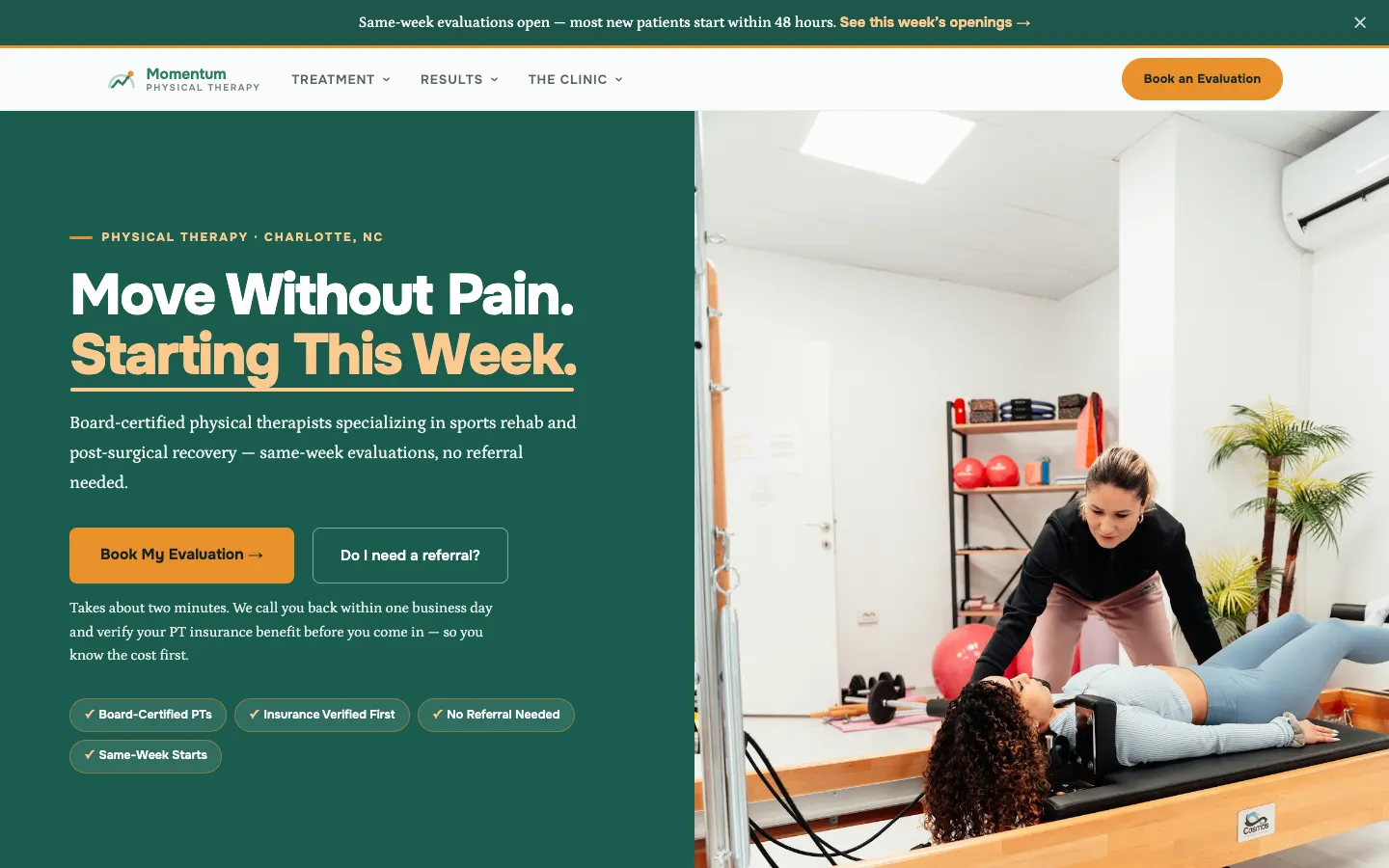
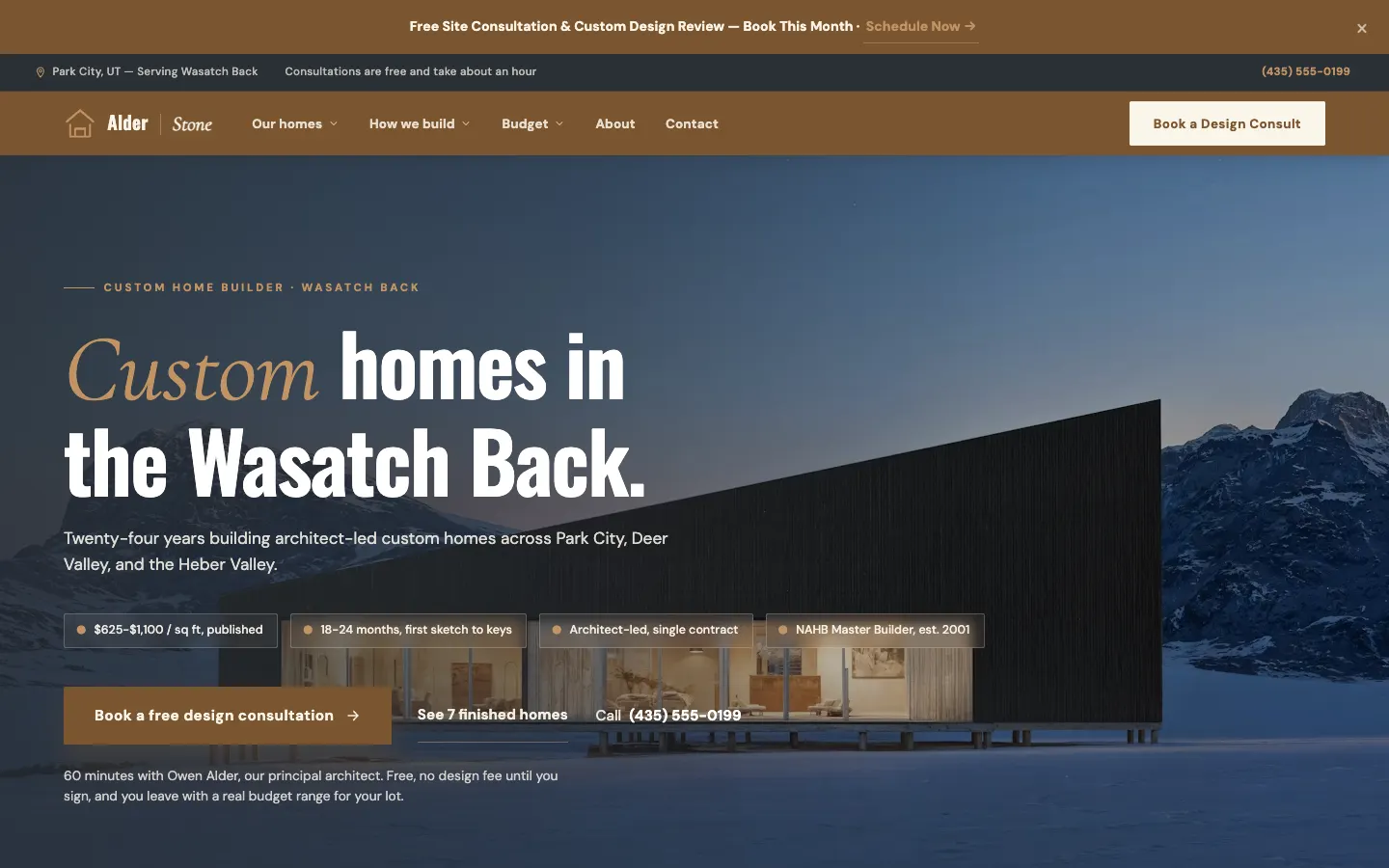
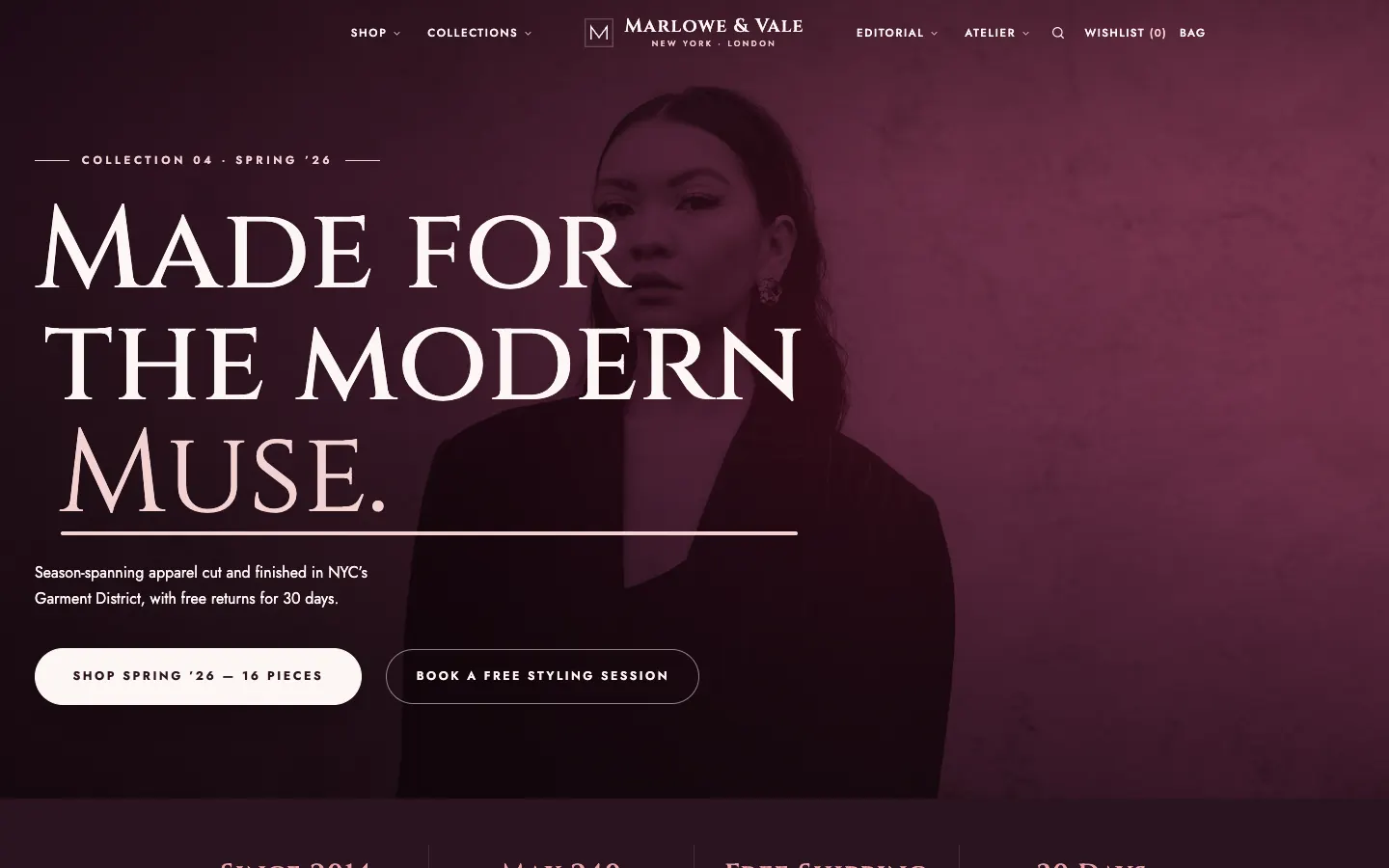
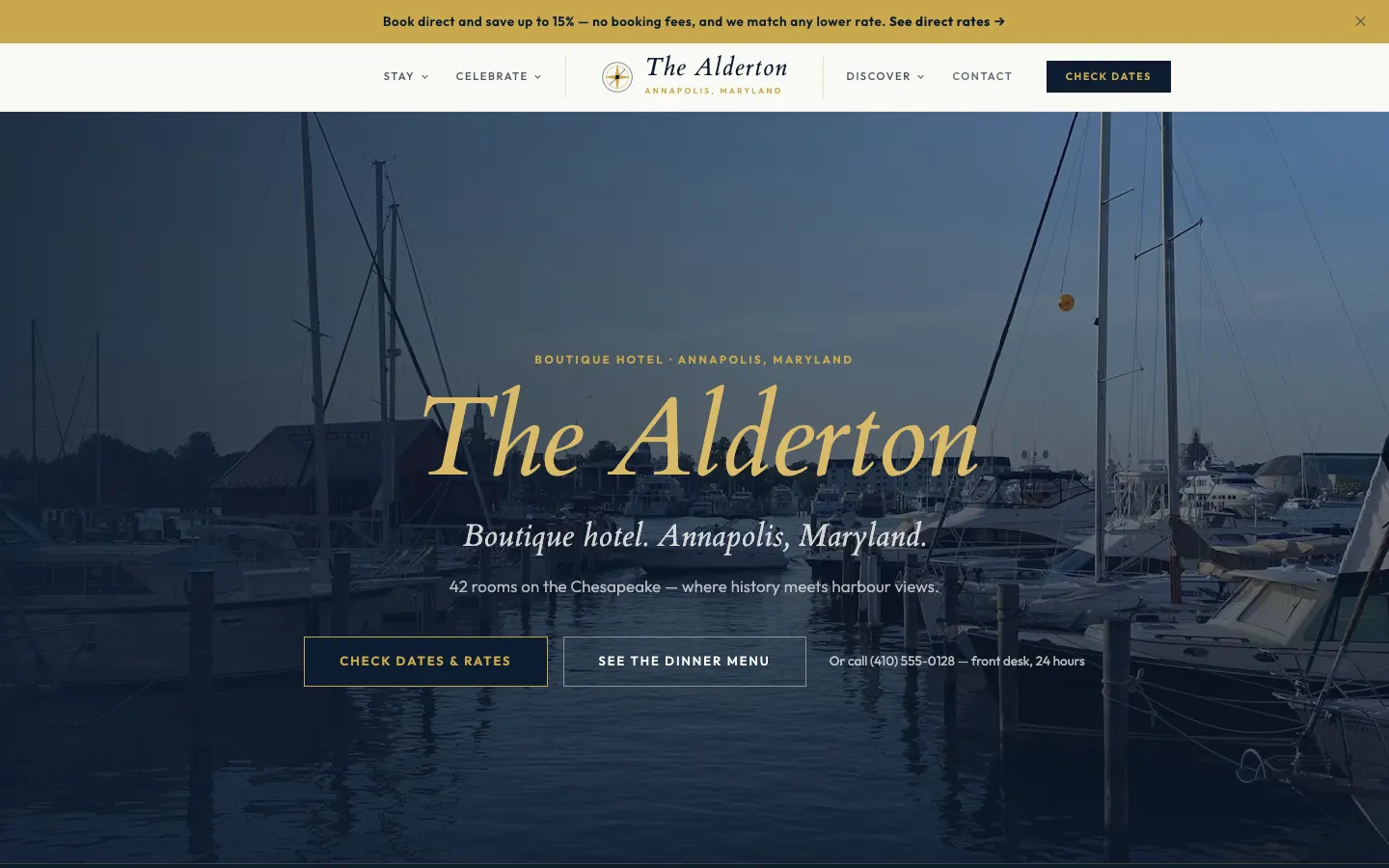
Real work, live today.

How it compares
The other ways to get it done.
Drag-and-drop builders
Total freedom, and an easy way to break the design on mobile.
Asking a developer
Safe, and slow for a one-line change.
A structured editor with previews
Edit content safely within the design, with drafts and previews.
Go deeper
Related reading.
The page editor on workspacecms.ai
Plans, pricing and the full detail for the page editor on the brand site.
OpenManaged updates and change requests
Send the change, we make it. Every request tracked to done.
How it worksForms and the leads inbox
Forms that reach your inbox, and every lead in one list.
How it worksSignal, finding people asking for what you sell
An AI agent that finds public posts asking for what you offer.
How it worksProject gallery and case studies
Portfolio projects, before and after pairs and case studies.
How it worksTracking tags and cookie consent
Analytics, ad pixels and a cookie banner, without code.
How it worksQuestions
Good to know.
Which plans include the editor?
Every plan.
Can someone review a change before it goes live?
Yes. Send them the preview link. They do not need a login.
Can I undo a change?
Yes. Every page keeps a version history.
Can I add new pages?
Yes, and they come styled to match the rest of the site.
The page editor, from 1Digital®.
One team behind the website, the AI search work, the phones and the campaigns.