




Every lead, in one list.
Leads arrive by form, chat, phone and booking. When they live in four places, some get missed. A single list makes sure each one gets a reply.
What it is
Forms and the leads inbox, in plain words.

On every WorkspaceCMS plan, a visitor fills out a form and the lead lands in your email under the sender name you set, with replies going to the address you choose. Spam protection is built in, so there is no separate service to pay for.
The leads list brings form fills, chats, calls and booking requests together, filterable by source or by what still needs your attention, with an unread count on your dashboard home. That is the same list the Monday summary counts from, so the numbers agree everywhere.
How it works
Step by step.
A visitor gets in touch
By form, website chat, phone or booking.
It reaches you
Forms are emailed to you, and every lead is added to one list.
Nothing slips
Filter by source or by what needs attention, so each lead gets a reply.
Who it fits
A good fit when.
If you already run a full CRM, the leads list complements it rather than replacing your pipeline.
- Form emails get lost in your inbox.
- You cannot say how many leads came from the website.
- Spam form fills bury the real ones.
- Leads come in by phone, chat and form and live in different places.
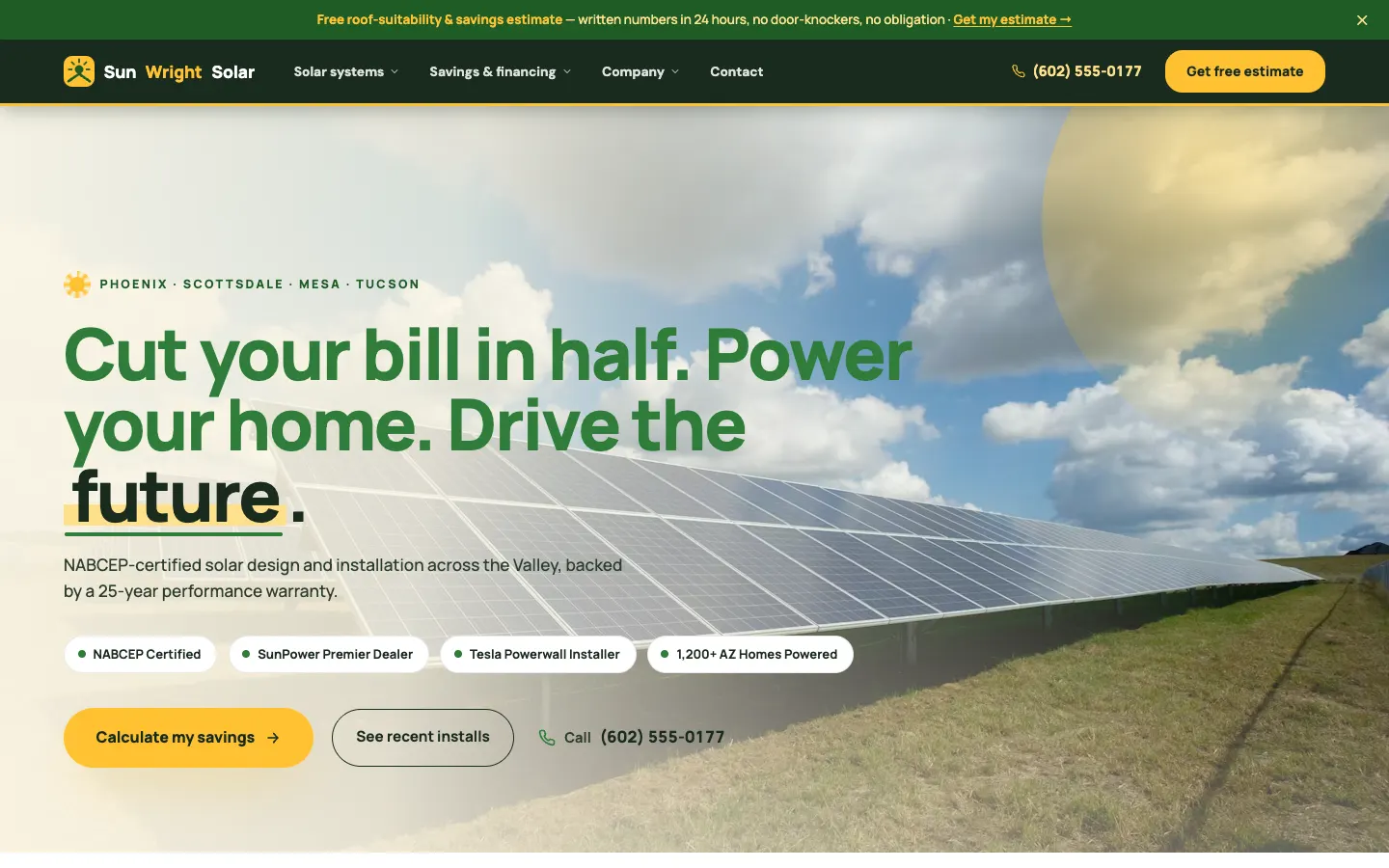
Live WorkspaceCMS demos
Real work, live today.


How it compares
The other ways to get it done.
Form emails only
Simple, until one lands in spam or a busy week buries it.
A separate CRM
Powerful, and one more system to connect and pay for.
A built-in leads inbox
Every source in one list, on the same platform as the site.
Go deeper
Related reading.
Lead capture on workspacecms.ai
Plans, pricing and the full detail for forms and the leads inbox on the brand site.
OpenManaged updates and change requests
Send the change, we make it. Every request tracked to done.
How it worksThe page editor
Edit any page beside a live preview, as a draft until you publish.
How it worksSignal, finding people asking for what you sell
An AI agent that finds public posts asking for what you offer.
How it worksProject gallery and case studies
Portfolio projects, before and after pairs and case studies.
How it worksTracking tags and cookie consent
Analytics, ad pixels and a cookie banner, without code.
How it worksQuestions
Good to know.
Which plans include forms?
Every plan, with spam protection built in.
Can replies go to a different address?
Yes. You choose the reply-to address and the sender name.
Are phone calls in the list?
Yes, with call tracking or the AI receptionist.
Can an AI reply to form leads?
Yes, with Lead Follow-up on Growth and above.
Forms and the leads inbox, from 1Digital®.
One team behind the website, the AI search work, the phones and the campaigns.