




Better Google listings, page by page.
The title and description under each search result are often the first thing a customer reads about you. They decide whether someone clicks your result or the one below it.

What it is
Google titles and descriptions, in plain words.

Every page has a title tag and a meta description. Google usually shows them as the blue headline and the two lines under it in search results. A good title says what the page is about in the words people search with. A good description gives a reason to click. Left blank, Google writes its own, often from the wrong part of the page.
On WorkspaceCMS you can set the title and description for every page from the dashboard, or let AI suggest them based on what the page actually says. You review each suggestion before it goes live, and the page's social sharing preview follows along.
How it works
Step by step.
See every page's listing
Titles and descriptions for the whole site in one list, with the blanks easy to spot.
Write or ask AI
Type your own, or ask AI for a suggestion based on the page's content.
Approve and publish
Nothing changes in search until you save it, and Google picks it up on its next visit.
Who it fits
A good fit when.
Good listings earn more clicks on searches you already appear for. They will not put a page into results it does not qualify for.
- Your pages show the same title in search results.
- Google is showing random text from your pages as the description.
- You have dozens of pages and no time to write each listing.
- Your titles do not say where you are or what you do.
Live WorkspaceCMS demos
Real work, live today.
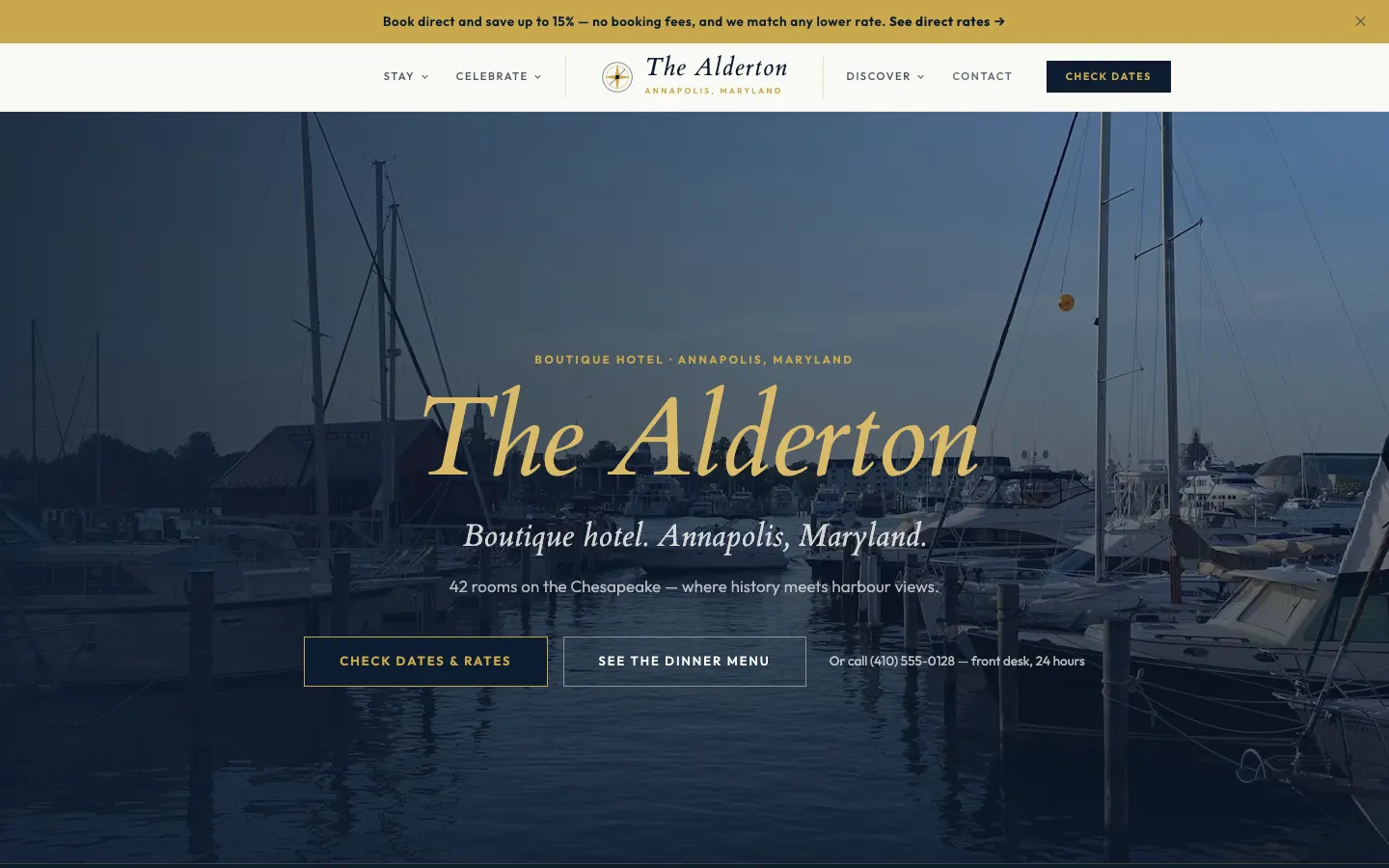

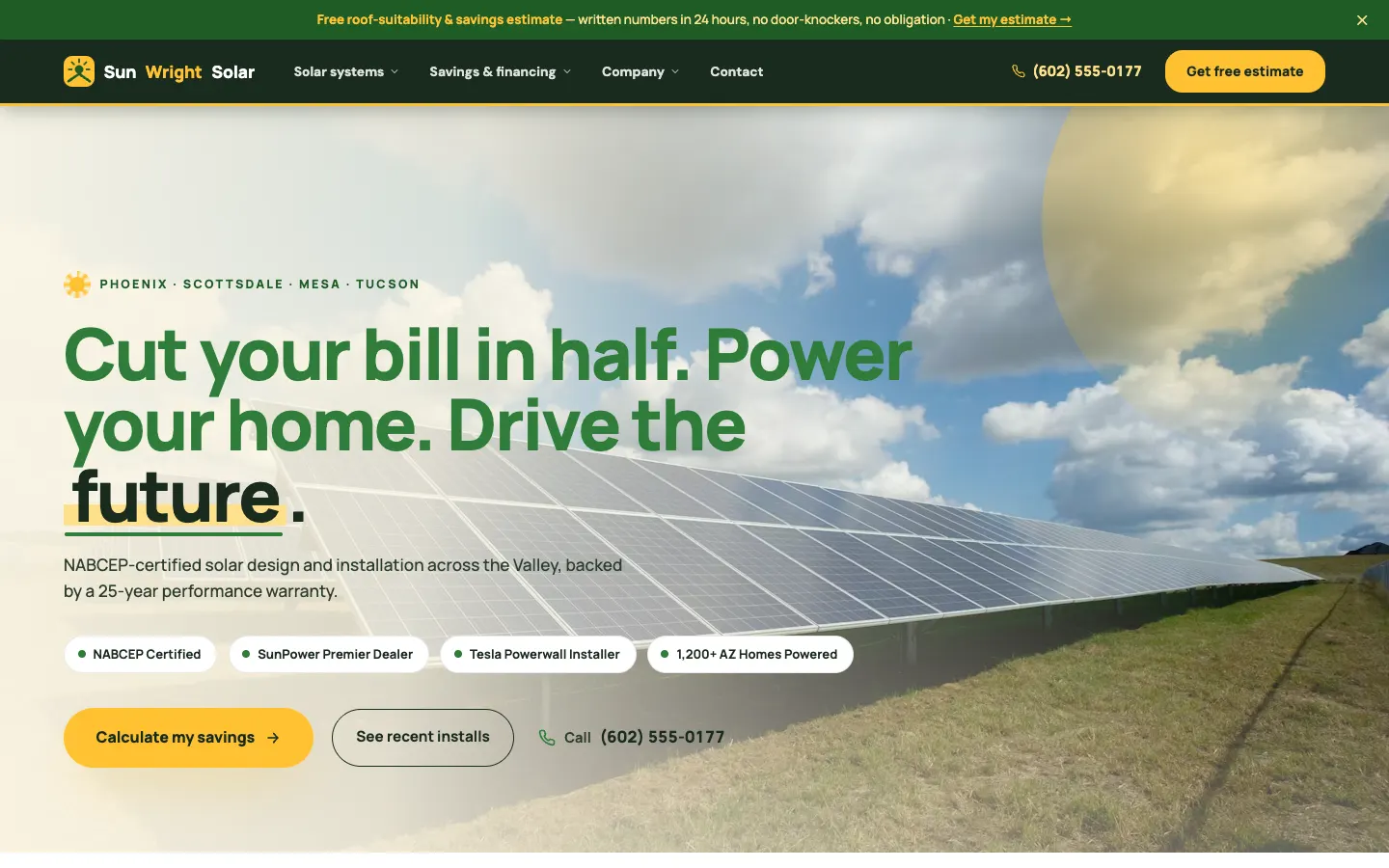
How it compares
The other ways to get it done.
Leave it to Google
Free, but Google often picks a line that does not sell the page.
Write each one by hand
Best quality if you have the time and know the length limits.
AI suggestions you approve
A draft for every page in minutes, with your final say on each.
Go deeper
Related reading.
Page SEO on workspacecms.ai
Plans, pricing and the full detail for google titles and descriptions on the brand site.
OpenStructured data
The behind-the-scenes markup that tells Google what you do and where.
How it worksWebsite analytics and the Monday summary
Visits, leads and rankings on one screen, and a short email every Monday.
How it worksRedirects when you switch sites
Old links keep working when you move to a new website.
How it worksImage descriptions (alt text)
AI drafts a description for every image, you approve them in bulk.
How it worksMulti-location websites
A page for every location, with hours, phone, directions and a locator.
How it worksQuestions
Good to know.
How long should a title be?
Roughly 50 to 60 characters, so it is not cut off. Descriptions around 150 to 160.
Does Google always use my description?
Not always. Google sometimes rewrites it to match the search, but a good one is used far more often.
Does it cost anything?
Setting them yourself is free. AI suggestions use a small number of AI credits each.
Do titles affect rankings?
The title is one of the clearest signals of what a page is about, and it strongly affects clicks.
Google titles and descriptions, from 1Digital®.
One team behind the website, the AI search work, the phones and the campaigns.