




Safe, backed up and online, without you.
Most website trouble is not dramatic. A certificate lapses, a plugin goes out of date, a change breaks a page and nobody kept a copy. The fix is to have someone own the dull parts.
What it is
Hosting, security and backups, in plain words.
Every website needs the same quiet upkeep. The security certificate behind the browser padlock has to be renewed or visitors see a warning. The software underneath needs updates, because outdated code is how most small sites get broken into. There has to be a recent copy of the site to go back to when something goes wrong, and the site has to stay reachable.
On WorkspaceCMS that upkeep is part of the plan. The padlock is set up and renewed for you. The site is backed up, and every page keeps its last 25 saved versions, so a page can be put back the way it was. The platform software is updated by 1Digital®, and there are no plugins to fall behind. Growth and higher plans carry a 99.9% uptime target, set out in the SLA; Essentials runs on the same infrastructure with no uptime commitment. When you are ready, your own domain is connected for you.
How it works
Step by step.
Connect your domain
Your web address is pointed at the site and secured with the padlock.
Keep it current
Platform updates are applied for you, with no plugins to manage.
Keep a copy
Every page keeps its last 25 saved versions, so an earlier one can be restored.
Watch it
The site is monitored, and the plan's SLA says what counts as downtime.
Who it fits
A good fit when.
If you need full control of a server, such as custom software or root access, a managed platform is the wrong fit.
- You have seen a security warning on your own site.
- Nobody can tell you when the site was last backed up.
- Your current site depends on plugins nobody updates.
- You would rather not deal with hosting at all.
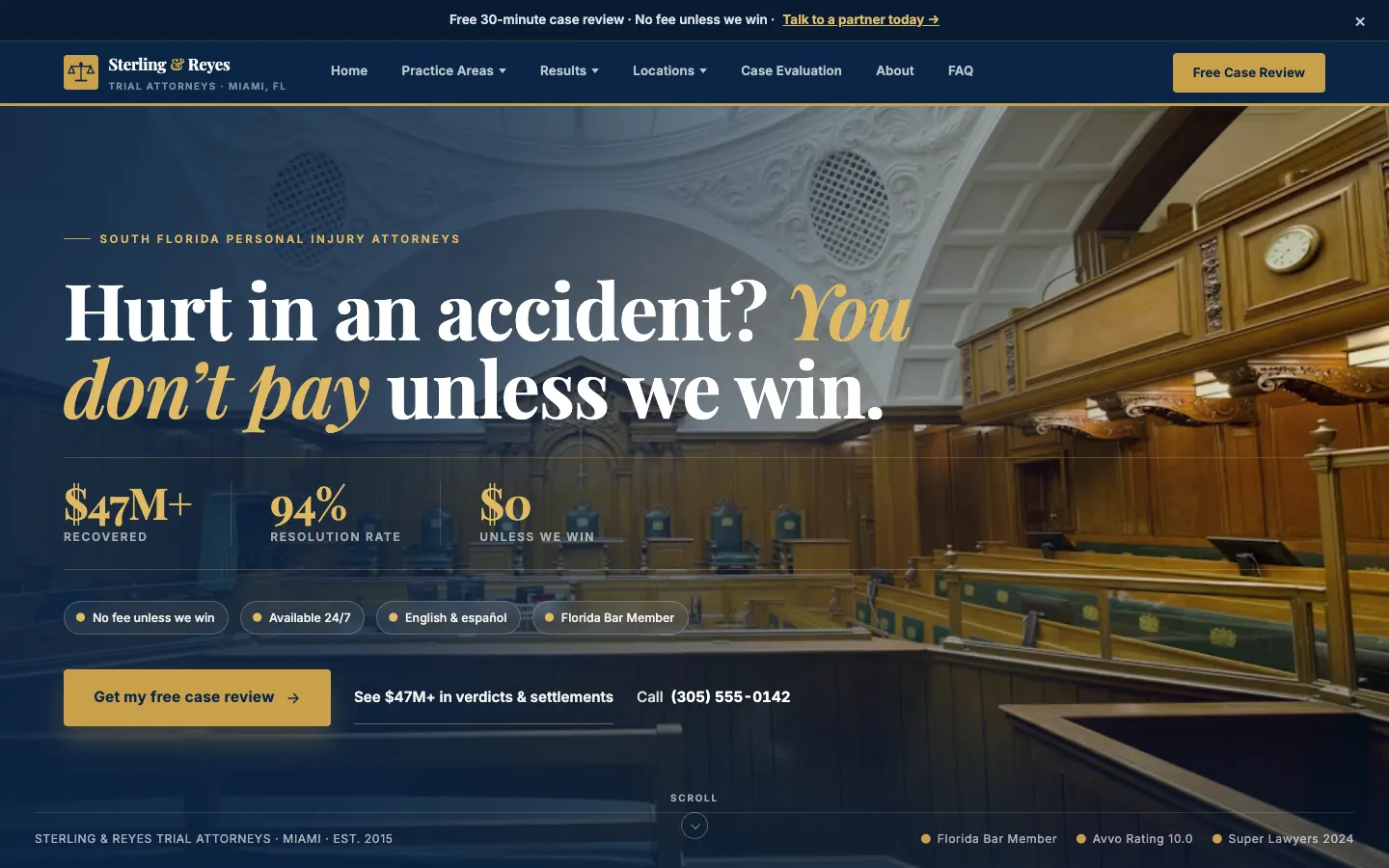
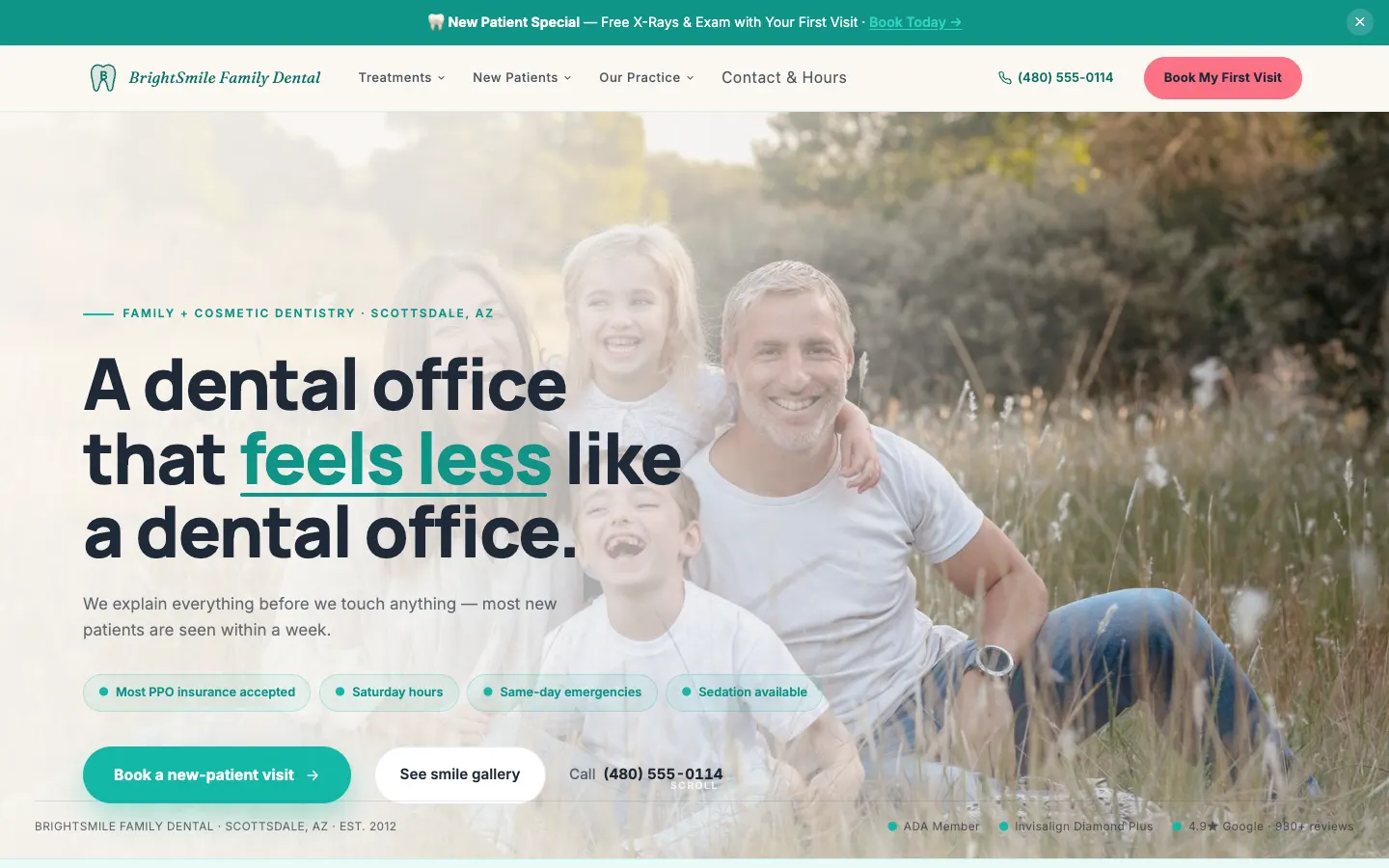
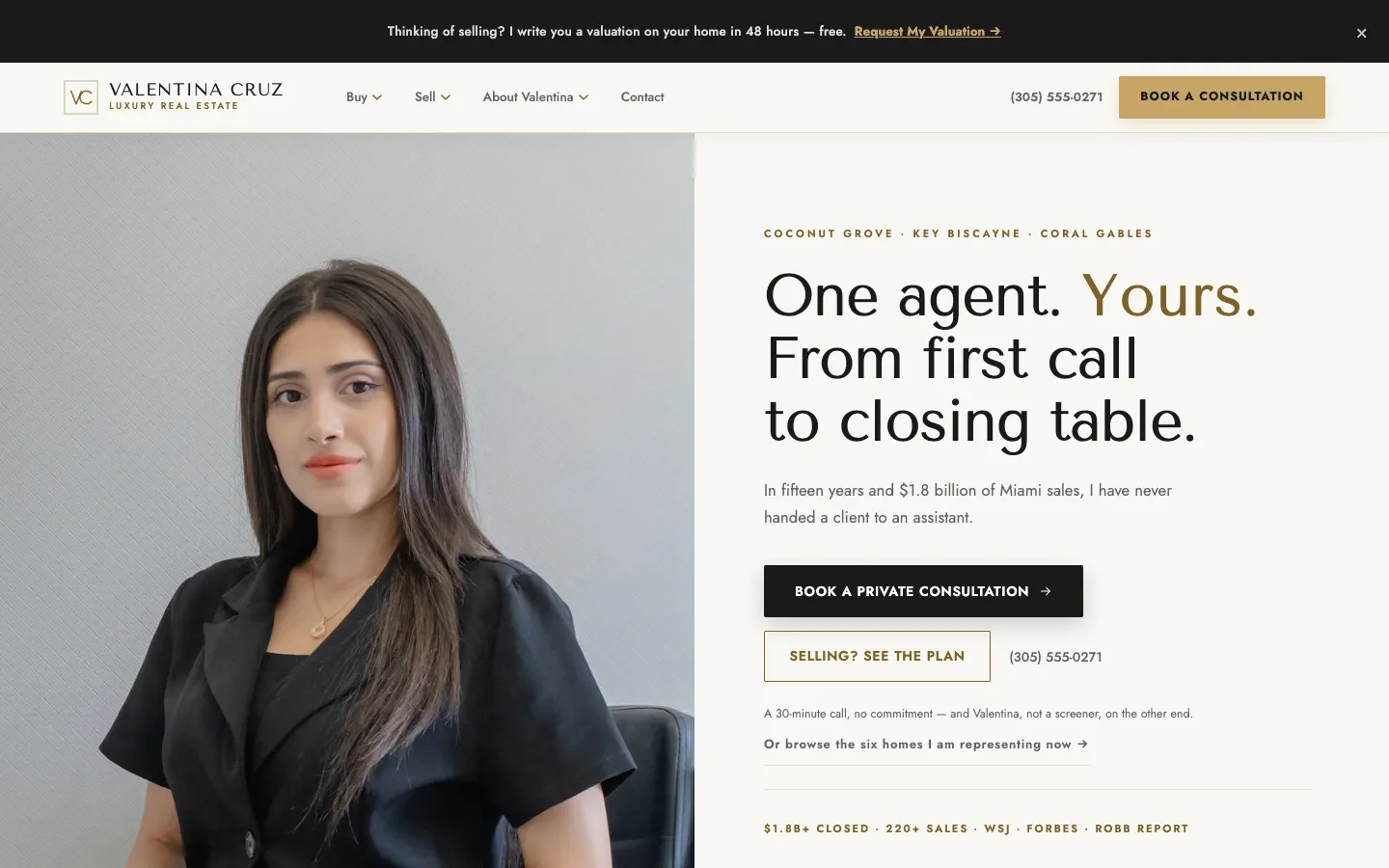
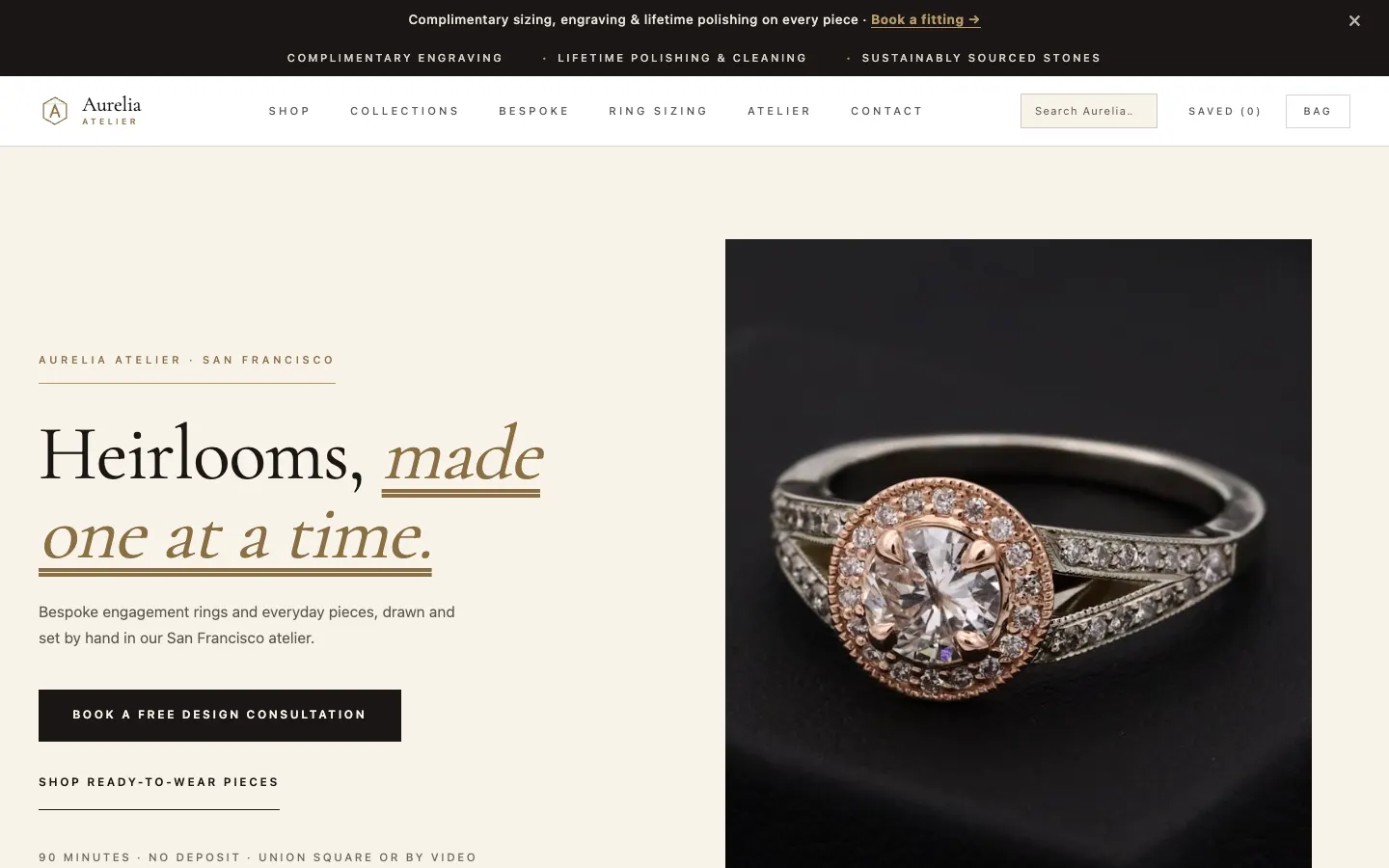
Live WorkspaceCMS demos
Real work, live today.
How it compares
The other ways to get it done.
Cheap shared hosting
Low monthly cost, but updates, backups and certificates are often left to you.
A developer on call
Works until something breaks at a bad time and they are busy.
A managed platform
Certificates, updates, backups and monitoring are part of the plan.
Go deeper
Related reading.
Performance and security on workspacecms.ai
Plans, pricing and the full detail for hosting, security and backups on the brand site.
OpenSite speed
Fast pages, checked against Google's speed scores every week.
How it worksStructured data
The behind-the-scenes markup that tells Google what you do and where.
How it worksWebsite analytics and the Monday summary
Visits, leads and rankings on one screen, and a short email every Monday.
How it worksRedirects when you switch sites
Old links keep working when you move to a new website.
How it worksProduct Page Writer
Rewrites thin product pages from your own product data, with your approval.
How it worksQuestions
Good to know.
Do I need to buy a security certificate?
No. It is set up and renewed for you.
How far back can a page be restored?
To any of its last 25 saved versions.
Is uptime guaranteed?
Growth and higher plans have a 99.9% uptime target in the SLA. Essentials has no uptime commitment.
Can I keep my existing domain?
Yes. It is connected to the new site when you are ready to switch.
Hosting, security and backups, from 1Digital®.
One team behind the website, the AI search work, the phones and the campaigns.